Cool Sh*t.
Useful things to try with the tools that are changing how we make.
Read a little. Make something better. Leave with a move you can use today.
THE READING ROOM / 001—008
Not another
AI hot take.
Hands-on notes for better prompts, sharper visuals, and workflows that hold together. Open any card for a taste; take the whole guide when you’re ready.
 FIELD NOTE 01Use AI like a talented intern, not a source of truth.A clear-eyed way to get more from AI without handing over your judgment.Open the preview
AI can sound certain while being wrong. Treat the polished sentence as a draft—not as evidence.
Read the field guide FIELD NOTE 02The seven-line brief that makes AI feel less generic.Give the tool the context a good collaborator would ask for. Then build the brief with us.Open the preview
When the request could belong to anyone, the answer usually does too.
Read the field guide FIELD NOTE 03Turn a sketch into a space without losing the plan.A practical image-to-image workflow for making architectural ideas feel real—and stay faithful.Open the preview
The first job is to decide what the image model is allowed to change.
Read the field guide FIELD NOTE 04Make an architectural timelapse that holds together.The continuity trick is simple: one camera, one target, and a sequence of changes the viewer can read.Open the preview
A construction sequence is a chain of images pretending to be one continuous place.
Read the field guide FIELD NOTE 05Your first 3D scene: three axes, one good light.A friendly first lap through Spline: place a shape, make the light work, and publish a scene that feels intentional.Open the preview
Start with one object and learn how it moves before building a whole world.
Read the field guide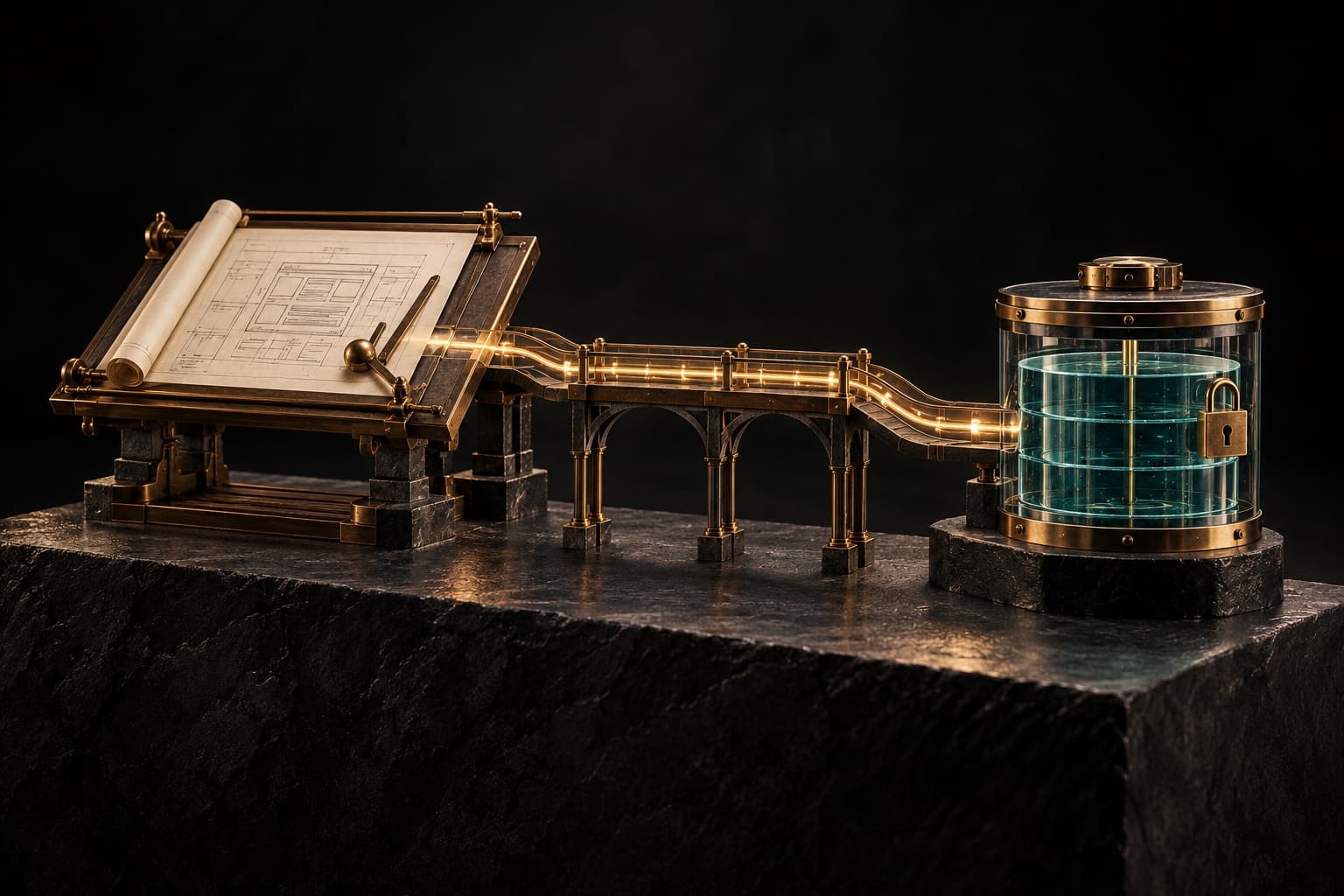 FIELD NOTE 06Build a real web product with Codex, Vercel & Supabase.A practical map from a good idea to a deployed app—with the security and scaling decisions that make it hold up.Open the preview
Codex helps you build the application; Vercel serves it; Supabase stores and protects its data.
Read the field guide FIELD NOTE 07Turn Higgsfield generations into a marketing dashboard.Connect creative production to a reviewable asset pipeline—without leaking keys or losing track of what shipped.Open the preview
A dashboard is more than a gallery. It should answer who made an asset, from which brief, with what settings, and whether it is approved.
Read the field guide FIELD NOTE 08Make AI automations recover when real life gets messy.A hands-on pattern for duplicate webhooks, provider timeouts, safe retries, and human approval when the stakes are high.Open the preview
Webhook providers retry. Networks time out. A user clicks again. Your system should recognize the same job instead of charging twice or publishing twice.
Read the field guideNO GATE. NO NEWSLETTER TRAP.
Good stuff should
be easy to find.
These notes are yours. Save what helps, pass it along, and come back when you need another idea.
See what Moticulation builds